How it works
Upload a report. Get an educational, source-linked analysis you can safely publish.
1 · Upload
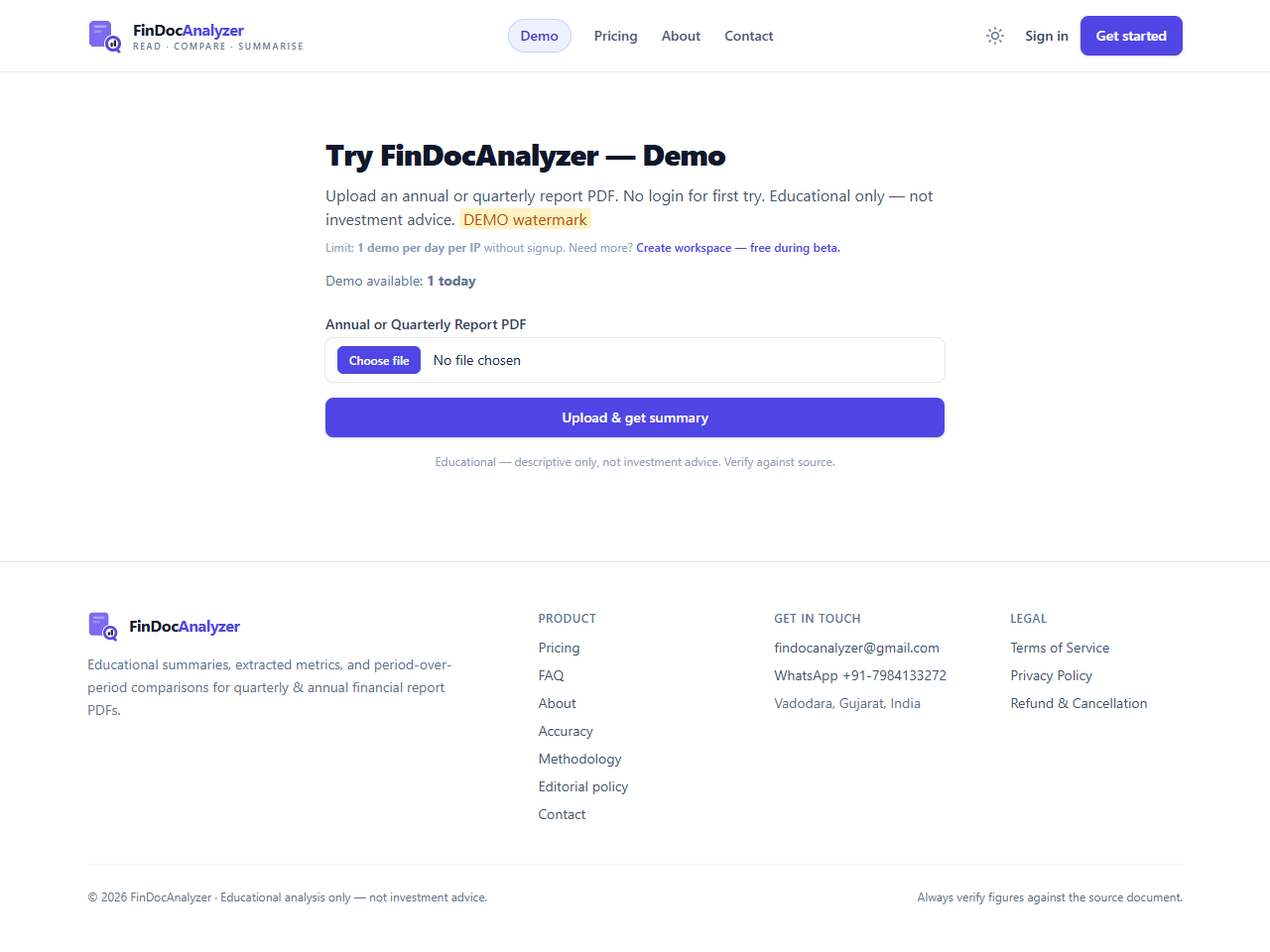
Drop in an annual, quarterly or earnings PDF. Duplicates are detected and versioned.
2 · Extract
Key line items are pulled and normalized, labelled AI-assisted and hand-correctable.
3 · Compare
See quarter-on-quarter and year-on-year changes, or two companies side by side.
4 · Paid creator tools
With active paid Pro or Team access, generate a social script or prompt from a reviewed report summary. Review the output and publish manually. Free trials do not include creator generation.
Last updated By FinDocAnalyzer
Free trial and paid features
The free trial includes manual report uploads, summaries and extracted metrics within its allowance. Automated result summaries and social prompts and scripts require an active paid Pro or Team subscription, including during beta.
Automatic result summaries currently support NSE-listed companies only. For BSE-only or other companies, upload the financial-results PDF manually for analysis. Companies listed on both exchanges use their NSE listing for automation.
| Feature | Free trial | Pro | Team |
|---|---|---|---|
| Manual report analysis | Trial allowance | Plan allowance | Plan allowance |
| Companies monitored at once | Not included | Up to 10 | Up to 50 |
| Automated summaries per calendar month | Not included | Up to 20 | Up to 100 |
| Social prompts, hooks and scripts | Not included | Included | Included |
Select which companies to monitor. One eligible automated report counts once; retrying its summary or metrics adds no extra automation units. Monthly allowances do not promise monthly results from every company. AI usage limits and source-review requirements apply to social generation. These are scripts and prompts, not automatic video production.
View plans and pricing